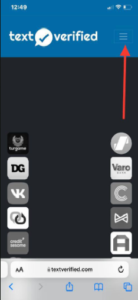
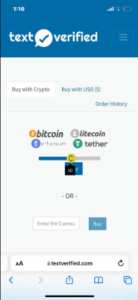
1. Go to https://www.textverified.com and click the three-dash menu icon in the top corner to begin the sign-up process.
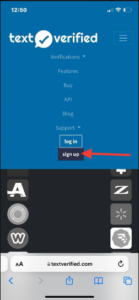
2. Select “Sign Up” on the following page.
3.Enter your details in the required fields.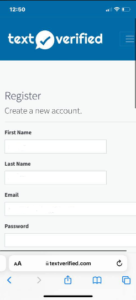
4.Once your account has been successfully created, you may proceed to add funds.
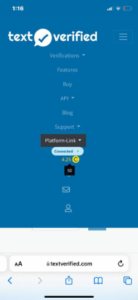
5.You can fund your account with any amount—the minimum deposit is $5.
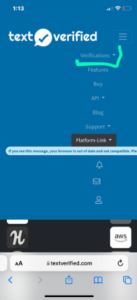
6.To start verifying codes, navigate to the “Verification” section as shown here.
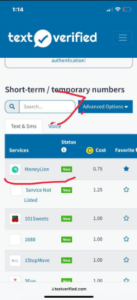
7.If you need a verification code for a bank, browse or search the list. For example, a MoneyLion code costs approximately $0.75, which is very affordable.
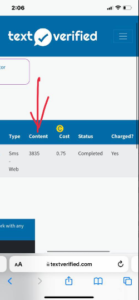
8.Once the code is sent to the temporary phone number assigned to you, it will appear in your dashboard. Remember: each number is for one-time use only—do not attempt to reuse it.
Web Development Services:
If you’re looking to build a website of any kind, feel free to contact me directly by clicking the WhatsApp icon or emailing me at support@deepwebupdate.com
Premium Tools Available:
For all your tool(ACH log, CC log, MD log, Wire check log, Documents and the likes), you can purchase high-quality tools directly through our website here.